How to
Set up DeepO account assignment references
1:50
Updates
Custom account assignment references on DeepO
29 May 2026
Skip the repetitive setup when sending documents to the same people and define reusable signer and observer groups
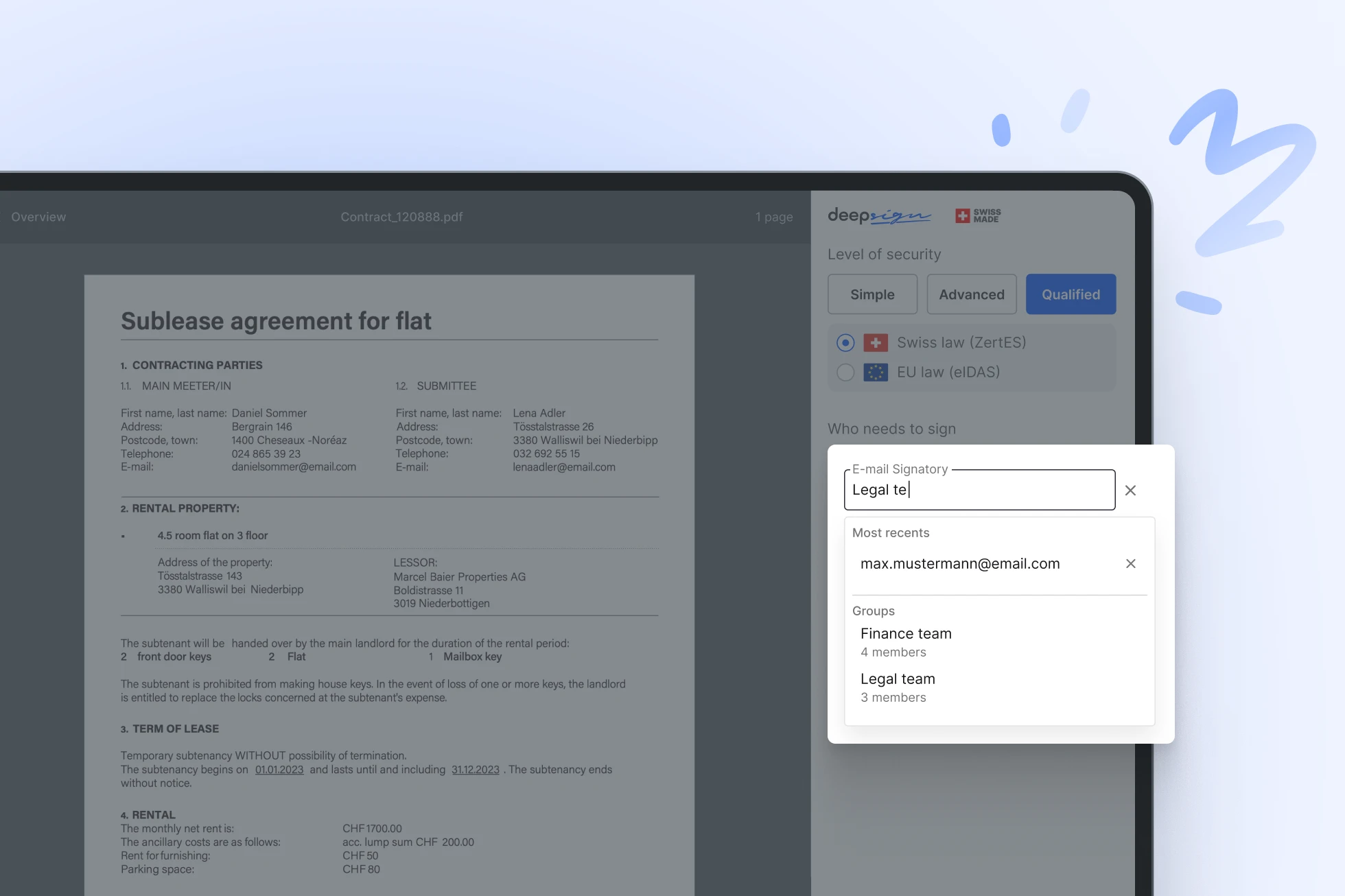
If you regularly send documents to the same set of people, there’s no need to add each recipient manually every time. Simply create a group within your organisation and select it whenever needed. You can choose the entire group with one click or adjust it before sending by excluding individual members. This reduces repetitive steps while keeping the flexibility to adapt to each case.
For example, a group can be defined for the entire executive board, whereby all members of the board are automatically set up as signatories.
Groups aren’t just for signatures. You can also define observer groups to ensure key stakeholders stay informed throughout the signing process.
Stay updated
Contact
DeepCloud certificates

Information security management for hosting services, in accordance with the Statement of Applicability.

Unattended remote identity proofing with hybrid manual and automated operation according to the international standard ETSI.